

Instagram gives you a very limited amount of space for links on your profile. Your shop, your campaign, your YouTube channel, your contact form — they all have to fit.
Adding the link
Go to your profile, tap Edit Profile, paste your address into the Links field and save. Instagram now allows more than one link, but the presentation is limited: you cannot add descriptions, reorder freely or see which one gets clicked.
The real problem: you cannot measure
Put a link straight into your bio and you have no idea how many people opened it. Instagram will not tell you, and the destination site usually cannot separate the traffic either.
Say you promoted a campaign in stories for a week. Sales went up that month — but did they come from Instagram? Without measurement, that is a guess.
The fix: a link-in-bio page
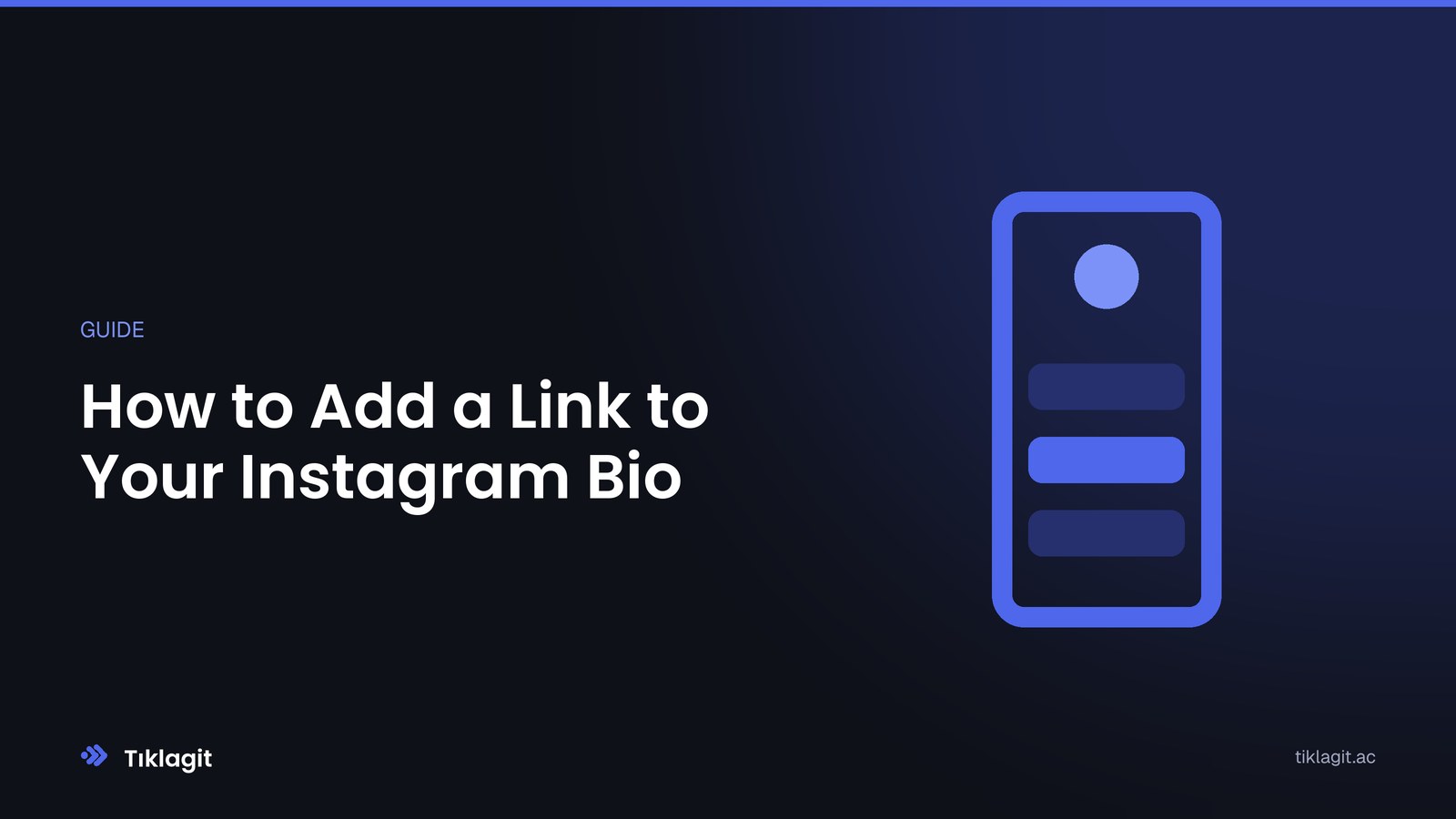
You share one address, and behind it sits a page listing everything you want people to reach. Visitors click whatever interests them.
What that gets you:
- Every button is measured separately. What your audience actually wants stops being a hunch.
- You control the order. During a campaign, move what matters to the top.
- Not just links. YouTube videos, Spotify playlists, a contact form, a newsletter signup, a vCard, a product card — all can be embedded.
- Update without touching Instagram. New campaign? Change the page; the address in your profile stays the same.
Setting it up
Create an account, create a bio page, pick your address. Choose a theme and adjust colours and buttons to match your brand. Add your links, order them, publish.
Then paste that address into the link field on your Instagram profile. That is it.
Four things that make the page work
1. Most important link at the top. Most visitors never scroll past the first two buttons.
2. Write clear button labels. Not «Click here» but «Browse the spring collection». A label that says what it is gets more clicks.
3. Keep the list short. Five to eight links suits most accounts. Long lists make choosing harder.
4. Read the data. After two weeks it is clear which buttons work. Remove what does not, promote what does.
In short
Instagram's link limit is not a constraint so much as a measuring point. Turn that single link into a page and you start seeing what your followers actually care about — and you make content decisions on evidence rather than instinct.